Saturday Patch
Adds UI dark mode, cabinet upgrades, offline rewards, and Halloween content, with apprentice and luck changes.
A guide to your rug studio
Last updated:
Roll for yarn, choose your colors, and tuft and shave rugs for your shop. Sell finished pieces to customers, ship phone orders, and hire employees to help your studio grow.
Browse
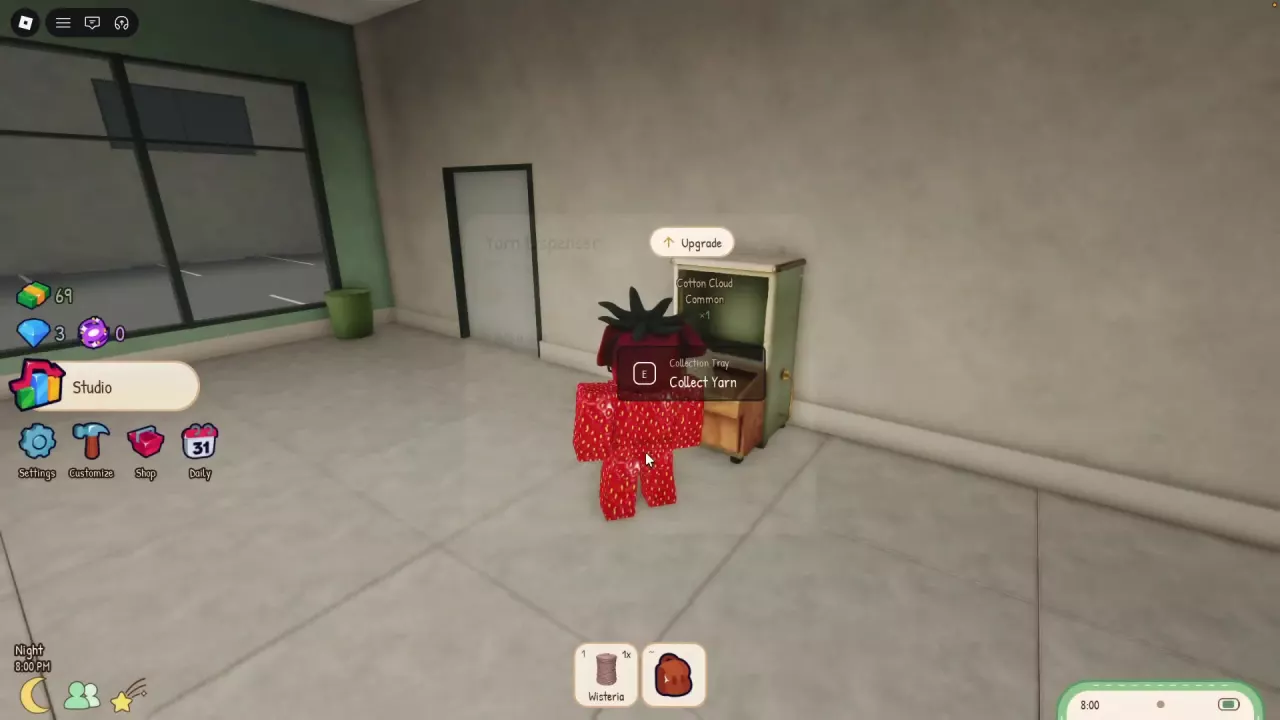
Roll and collect yarn. Hold E at the Yarn Dispenser to use Roll Yarn. When yarn is ready, pick it up from the Collection Tray with Collect Yarn.
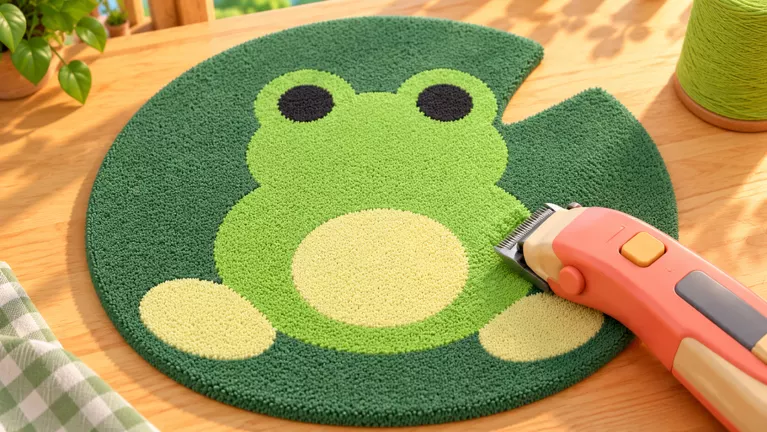
Start a Simple Mat. Use Make a Rug at the Tufting Frame, select Simple Mat, choose Start Tufting, and assign one yarn portion.
Fill the rug. Hold and drag across the marked area until it is filled, then select Finish. Take the resulting Unshaven rug to the Shaving Table.
Shave and finish. Use Shave a Rug and cover the unfinished areas until clipping reaches 100%. Add optional outer edging, or select None to finish without it. The rug-making guide covers tufting, shaving, and edging controls.
Take it to the showroom. Your finished rug is ready to display for customers.
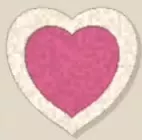

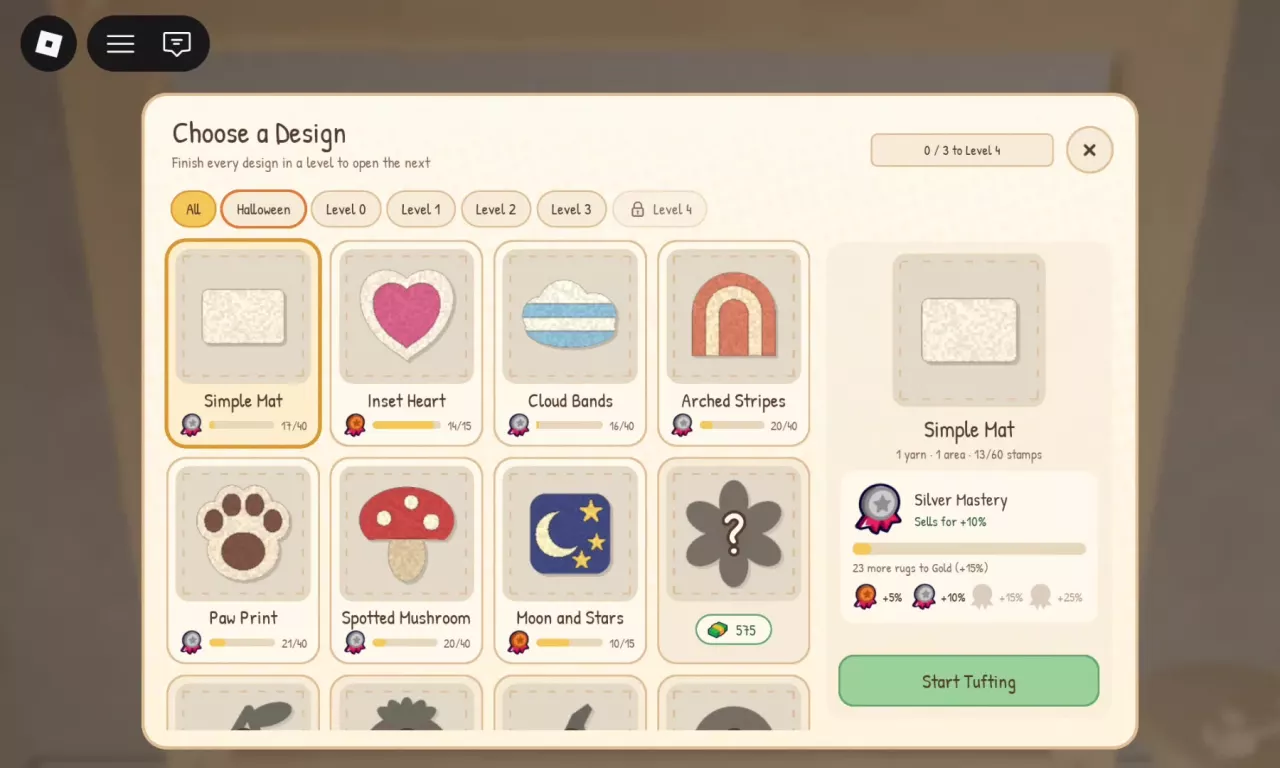
Open Choose a Design at the Tufting Frame. Browse with All, Halloween, or the level filters.


Rolling yarn gives random colors, including rare materials. In Choose Your Yarn, the number beside a yarn is your available stock. If you cannot fill every required assignment, collect more yarn before continuing.
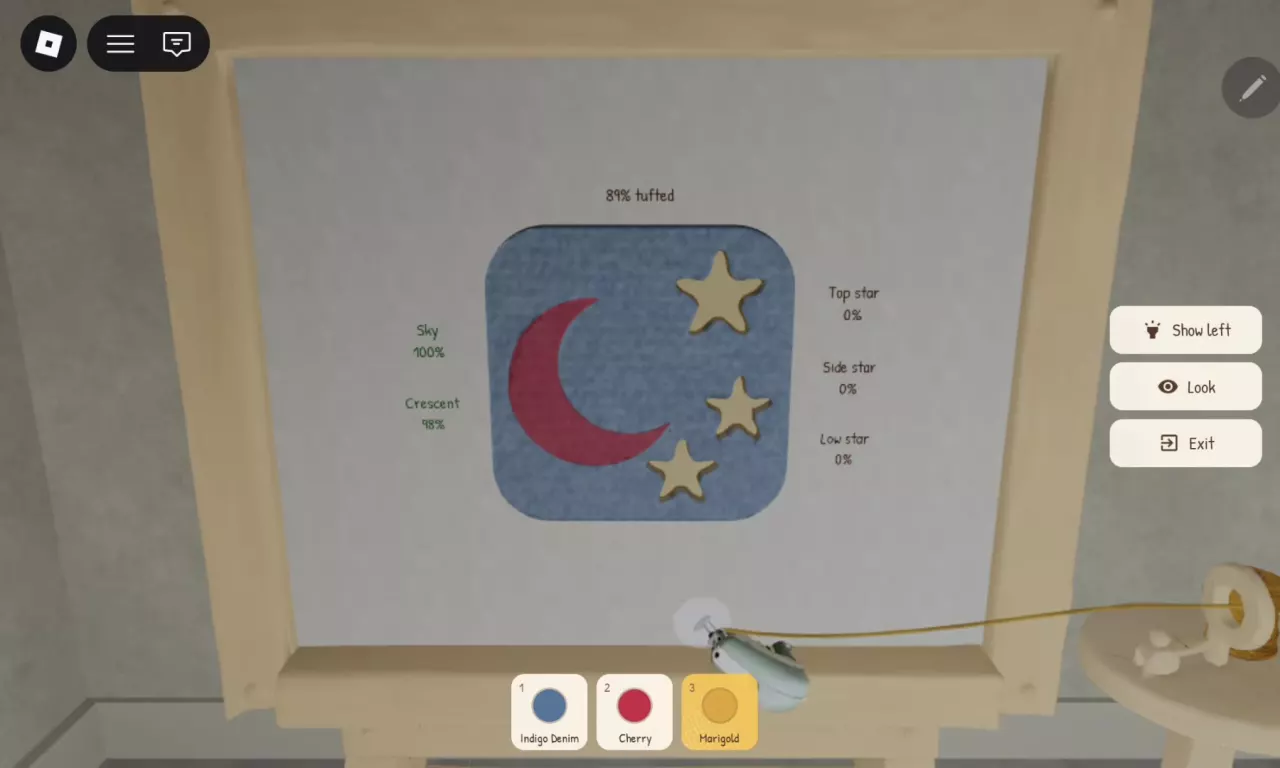
These are optional color combinations; assign each yarn to the named region.
For other looks, the color combinations guide maps more palettes to their design regions.
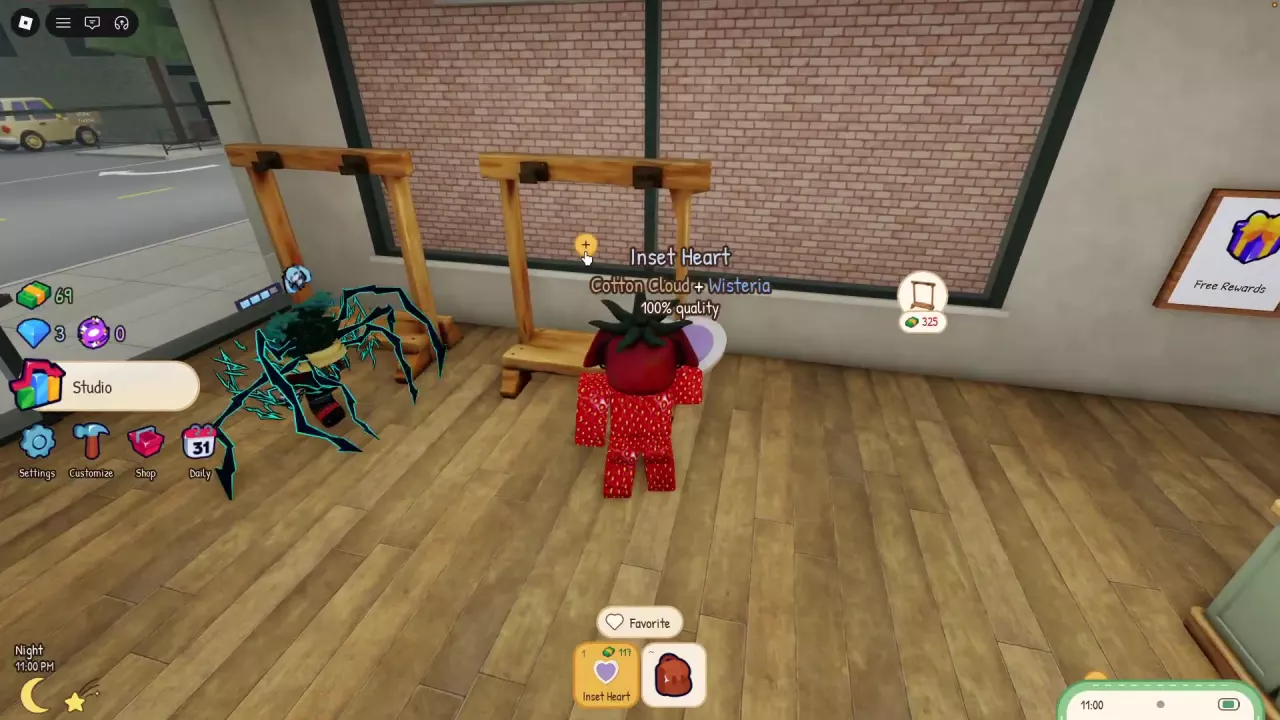
Carry a finished rug to an empty showroom rack and click its yellow +. Once it hangs on the rack and leaves your hotbar, wait for a customer to buy it. Sales earn cash for design unlocks and studio purchases.
For more display space, look for additional rug positions at the shop’s expansion purchase points. The selling guide explains rack placement and how to confirm your rug is listed.
Complete the same design repeatedly to increase its own mastery and selling-price bonus:
Use the selected design’s next-tier counter to track progress; the mastery guide explains the counters and bonuses.
Access orders through your phone. Packing and shipping order rugs earns gems.
Start packing. With an order rug ready, use Pack an Order at the Packing Bench.
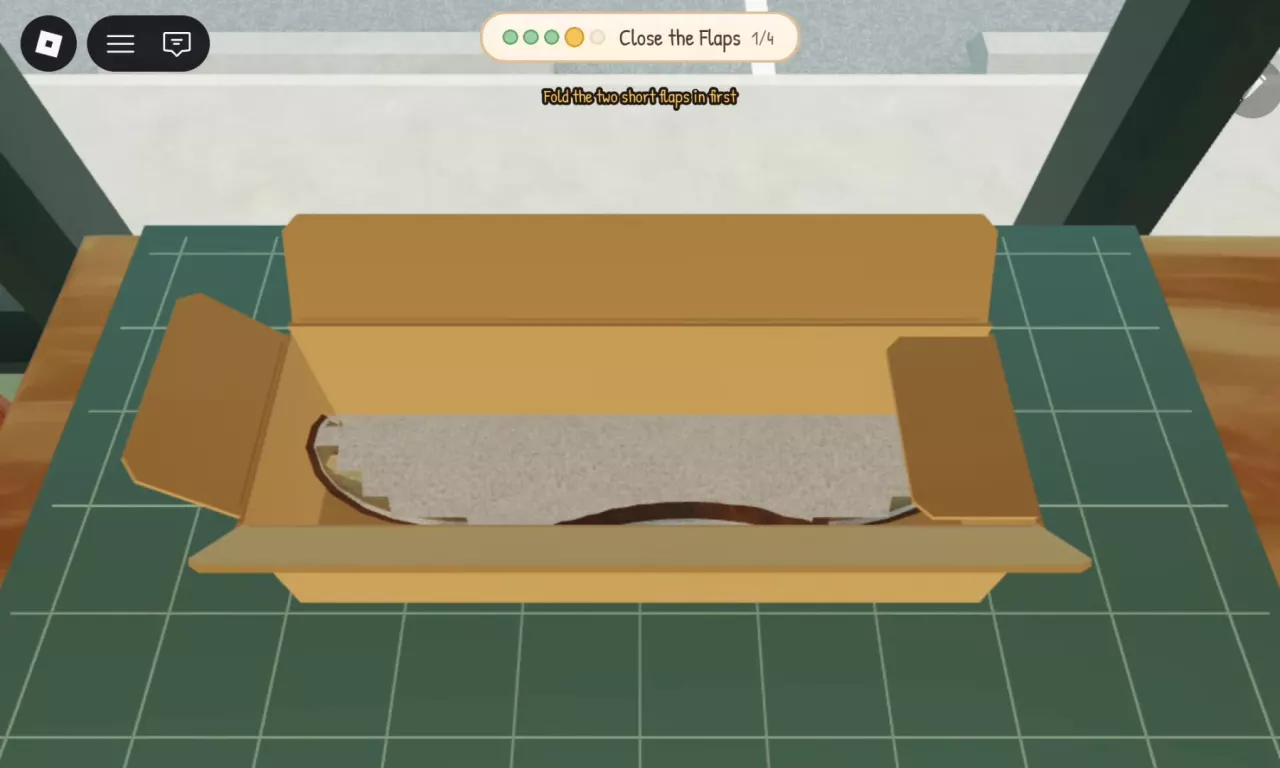
Prepare the box and rug. Fold up the box, roll the rug, then place the rolled rug inside.
Close and seal. Close the flaps, then tape the top seam until Packed! appears. The package is now ready to ship.
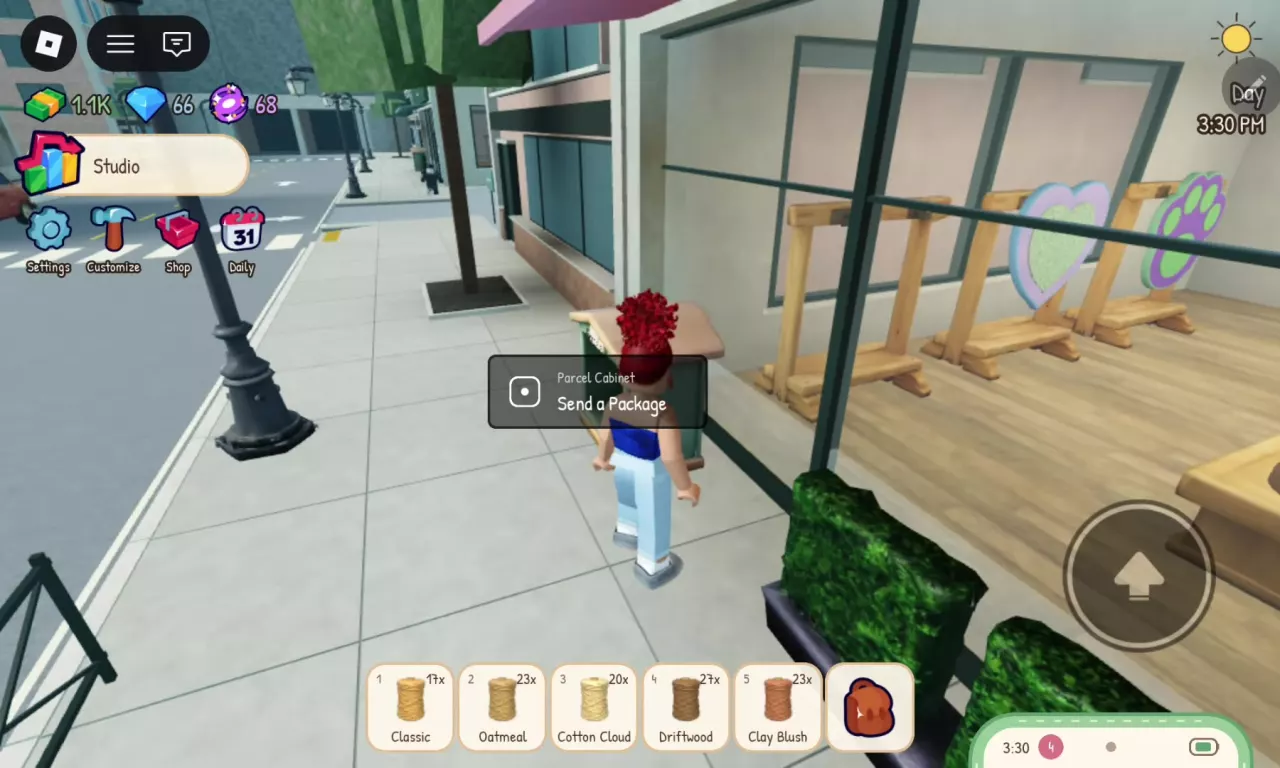
Send the package. Go outside to the Parcel Cabinet near the shop window and use Send a Package to deliver the order and receive its gem reward.
Calculate additional rug completions for a design's displayed next-tier mastery counter.
Rugs remaining = max(0, displayed target − current completed count).
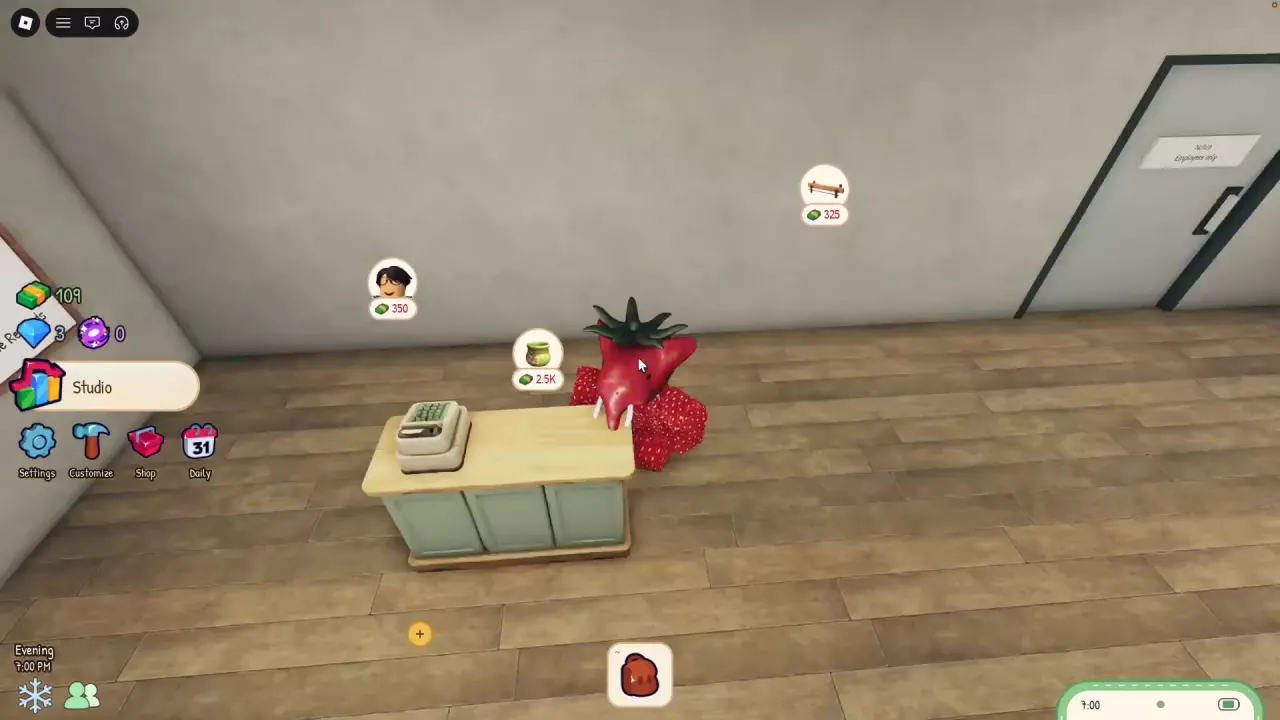
Look for floating purchase icons inside your shop. Match the green Tip Jar, character portrait with glasses, or long wooden fixture to its displayed cash price.


Character Portrait with Glasses

You can hire employees to help run your studio. Once you have employees, they continue working while you are offline. The studio guide also covers equipment controls and shop purchase locations.
Select the calendar icon labeled Daily on the main screen to view daily rewards. Find other menus and equipment controls in the studio guide.
| Name | Listed price |
|---|---|
| Every Gamepass | 499 Robux
|
| Lucky Yarn | 199 Robux
|
| 1.5x Cash | 199 Robux
|
| 1.5x Gems | 149 Robux
|
| Code | Reward & details | Status | Copy |
|---|---|---|---|
RESTART3 |
Reported active | ||
RESTART |
500 Cash, 10 Tokens |
Reported active | |
RESTART2 |
250 Cash, 10 Gems, 5 Tokens |
Reported active | |
RUGS |
500 Cash, 10 Gems, 10 Tokens |
Reported active |
Adds UI dark mode, cabinet upgrades, offline rewards, and Halloween content, with apprentice and luck changes.
Offline rewards, stamped yarn indicators, and additional Halloween designs.
Luck adjustments and Halloween stamps.
Every required yarn assignment must be filled. Inset Heart needs one portion for Border and another for Heart; the numbers beside yarn show your stock. If you run short, collect more from the Collection Tray and return to finish assigning it. See yarn selection and collection.
No. Sky on Moon and Stars names the background region, which can use another assigned yarn, such as Indigo Denim. During tufting, a message saying “this area needs sky yarn” means the area you are touching has Sky yarn assigned to it; switch to that material.
An extra border is not required for the Cotton Cloud/Wisteria Inset Heart setup to reach 100% quality. Fully tuft and shave it, then choose None at the optional border stage. Its yarn-filled Border region remains part of the design. See the finishing steps.
Repeating a design builds that design’s mastery. Opening the next design level requires completing all designs in the current level. These are separate progress systems; design unlocks and mastery explain each one.
The label shows its listed value, not a completed sale. Make sure the rug is hanging on a showroom rack and has left your hotbar, then wait for a customer to buy it. If you are still carrying it, use the yellow + on an empty rack.
 Make Rugs Designs: Shapes, Pattern Areas and Unlocks
 Make Rugs Color Combinations for Hearts, Moons and More
 Make Rugs Studio Guide: Workstations, Upgrades and Menus
 Make Rugs: How to Pack Orders, Ship and Earn Gems
 Make Rugs Yarn Colors: Materials, Rolling and CollectionMake Rugs Gamepass Prices and Purchase Pages